
5 No-Training AI Use Cases That Cut Research Time 70%
Cut research and file-processing time by up to 70% with Hatz AI’s five no-training entry points: secure chat, AI-powered web search (using Tavily, Firecrawl, Perplexity), file summarization in OneDrive/SharePoint, CRM actions in Salesforce/HubSpot/ConnectWise, and auto-generated workflows via Workshop Assistant. Employees already use AI for search—9 out of 10 say so—but without secure integration, it leaks data and creates rework.
“We see knowledge workers waste 15–20 hours/month on tab-hoarding and manual file searches—this confirms that secure, integrated AI tools directly reclaim that time and reduce shadow IT risk.”
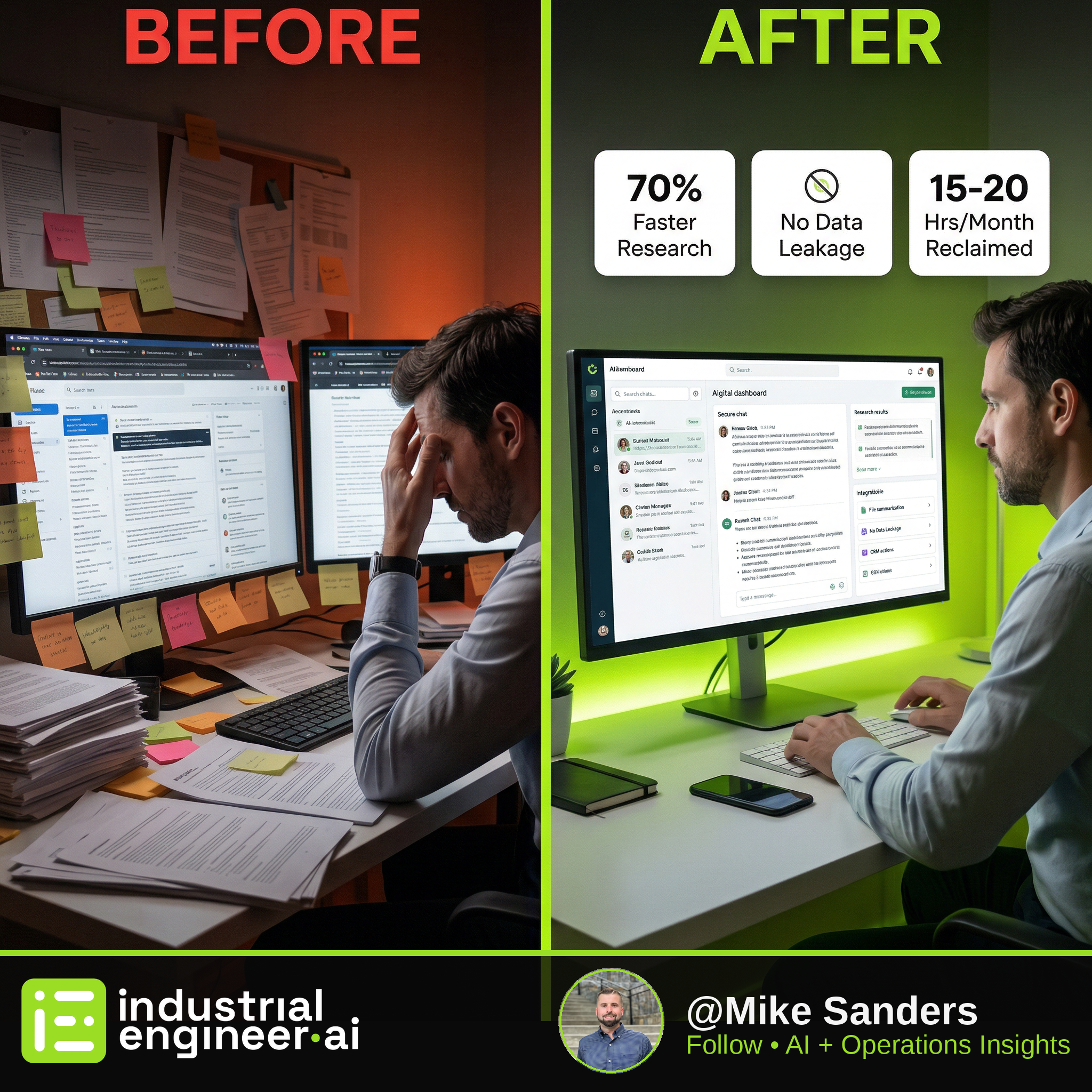
Cut research and file-processing time by up to 70% with Hatz AI’s five no-training entry points: secure chat, AI-powered web search (using Tavily, Firecrawl, Perplexity), file summarization in OneDrive/SharePoint, CRM actions in Salesforce/HubSpot/ConnectWise, and auto-generated workflows via Workshop Assistant. Employees already use AI for search—9 out of 10 say so—but without secure integration, it leaks data and creates rework.
From the Source
"Nine times out of 10, they're going to say they use it for search... You can turn that into something that is more interactive, that's more of a conversation, and with AI can lead to truly actionable steps."
— Your First 5 AI Use Cases (AI Navigator Certification) | Hatz AI
Key Takeaways
- 01Secure chat prevents data leakage while replacing unsanctioned AI tools
- 02Web search with Tavily + Firecrawl + Perplexity turns queries into structured reports
- 03AI reads, summarizes, and creates files from OneDrive, SharePoint, and Excel
- 04CRM integrations enable direct updates to Salesforce, HubSpot, and ConnectWise from chat
- 05Workshop Assistant auto-generates workflows like spreadsheet combiners without coding
Watch the Source
Your First 5 AI Use Cases (AI Navigator Certification) | Hatz AI
Source
Your First 5 AI Use Cases (AI Navigator Certification) | Hatz AI
Video embedded above — watch without leaving the site
Extracted and verified via Adversarial AI Pipeline
// RELATED SOLUTIONS
Get the IE.AI Weekly Brief
Top 3 AI-distilled industrial engineering insights, every Sunday. No fluff.
No spam. Unsubscribe anytime with one click.