

We Hate Waste & Defects.
For years, world model AI was locked behind million-dollar budgets. That barrier just collapsed. We deploy it inside your operation — vision, spatial intelligence, process automation — weeks to go live, not years.
The Process
Every Engagement. One Framework.
Sound Familiar?
"You've been told AI is 'coming' or 'someday' or 'when the technology matures.'"
"You've watched larger competitors deploy vision systems while you're stuck with manual processes."
"You've been quoted $2M+ for AI projects that take 2-3 years."
You're not alone. 99% of operations have been locked out. Until now.
Choose Your Battle
Real challenges happening right now. See if this sounds familiar.
The Skills Gap Crisis
2.1M jobs unfilled by 2030
Deloitte & Manufacturing Institute, 2025
Your Best Engineer Retires Next Month
She's the only one who knows how to fix that temperamental machine. When she leaves, 30 years of troubleshooting knowledge walks out the door.
New Hires Take 6 Months to Get Up to Speed
You're hiring, but training is slow. Every mistake costs time and materials while they learn what the veterans already know.
Quality Depends on Who's Working That Shift
First shift catches defects. Second shift misses them. Your QA results shouldn't depend on the schedule.
What If Knowledge Never Left?
Capture expertise once, use it forever
Every Operator Has Expert-Level Guidance
New hires ask questions and get instant answers—like having your best engineer available 24/7, even after they retire.
Consistent Quality, Every Shift
Automated inspection catches defects before they ship. No more 'it looked good to me' guesswork.
Training Happens on the Job
Instead of classroom theory, your team learns by building real automation—and keeps the tools they create.
These aren't hypothetical. They're happening right now, every shift, in operations just like yours.
Three Ways To Win.
Powerful AI, accessible pricing. Pick what fits your challenge.


Start with one → See results in weeks → Expand to others → Multiply your savings



Connect.
Automate. Build.
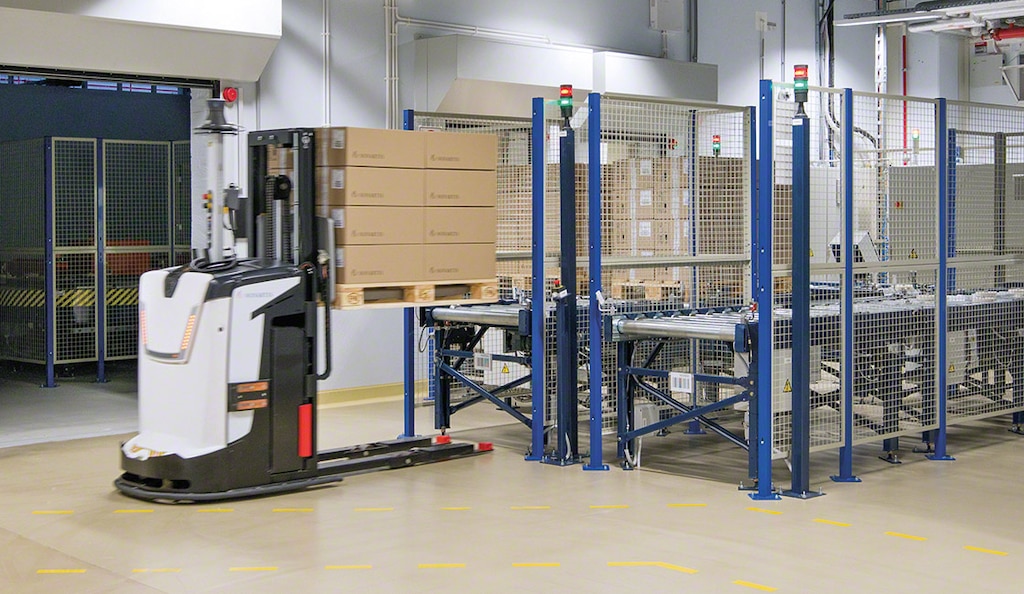
We orchestrate your systems. Connect to any trading partner—Walmart, Amazon, distributors. Build custom applications that infuse AI into your exact workflow.
System Orchestration
Connect your ERP, WMS, and legacy systems. Orders flow automatically.
Trading Partner Integration
EDI to Walmart, Amazon, any retailer. Zero manual data entry. Zero chargebacks.
Custom Applications
Bespoke solutions built for your exact process. AI-infused. Production-ready in weeks, not months.

See It In Action
Real implementations. Proven capabilities. Choose your scenario to see how the Intelligence Layer transforms warehouse operations.

From Spreadsheets to Live Intelligence in 4 Weeks
A multi-client 3PL running enterprise WMS needed real-time visibility across all warehouse operations. We built the entire Intelligence Layer from scratch — their warehouse, live, on one screen.
What We Deliver
"We went from spreadsheets and guesswork to a live intelligence layer in 4 weeks — and that included building the entire platform from scratch. Every number is transparent — click any metric and see exactly how it's calculated. That's what sold us."
Start Small. Expand Fast.
Most customers start with the AI platform to test the value. Then they add custom systems when they're ready.
Start with Platform
- •AI agents automate repetitive tasks
- •54+ models for different use cases
- •40+ integrations ready to use
- •$50/user/month subscription
Add Vision Systems
- •WAM cameras for inventory tracking
- •Vuzix smart glasses for workers
- •Catch defects before they ship
- •$20K-$45K project pricing
Full Integration
- •EDI/API connections to partners
- •Custom workflow automation
- •Connect ERP, WMS, legacy systems
- •$35K-$85K project pricing
Why Start with the Platform?
See immediate results with AI agents before committing to larger custom projects.
Work with us on small wins first. Then expand when you're confident.
Cancel platform anytime. Only commit to custom work when you're ready.
System Changelog // Live Feed
Memory, File & Folder Scoping for Agents, Workshop Assistant Improvements and API Functionality
newNew
- Turn on Memory! Hatz AI now remembers helpful details about you across conversations. As you chat, the AI saves durable context and uses it to personalize future responses without you having to repeat yourself. Memories are per-user and never shared with others in your organization
- You can now restrict an agent's OneDrive access to a specific set of folders and/or files, rather than granting access to your entire OneDrive. Scoping supports individual files, folders, or a mix of both in a single configuration. Item names in the UI stay current when content is renamed. OneDrive authentication has also been updated to use a popup sign-in flow, so you stay on the same page while connecting your Microsoft account.
Improved
- API Documentation has been updated to include details for disable LLM routes and workflow data as well a new endpoint to return and update packages with richer data.
New LLM-GPT 5.4, Personal Default LLM, Stripe Integration
newNew
- The AI Preferences page now includes a default LLM selector — choose your preferred model once and it will automatically load at the start of every new chat session, no manual switching needed.
- New Stripe Integration is now available in Chat, Agents, and Workflows. Connect Stripe to give Hatz live visibility into your billing data so you can look up customers, manage subscriptions, review invoices, track payments, and take action on your Stripe account directly from chat.
- New LLM GPT‑5.4 added to the model selector for chat, apps, agents, and workflows.
Building on GPT‑5.2’s general reasoning capabilities, GPT‑5.4 delivers even more consistent and polished results on real-world tasks that matter to professionals.
On GDPval, which tests agents’ abilities to produce well-specified knowledge work across 44 occupations, GPT‑5.4 achieves a new state of the art, matching or exceeding industry professionals in 83.0% of comparisons, compared to 70.9% for GPT‑5.2.
-Open AI
Photo provided by Open AI
Improved
- Usage data in the dashboard now updates in near-real time, capped at the most recent 15-minute boundary.
- Improved run reliability for Workflows via the Hatz Workshop Assistant.
- Chat no longer autoscrolls as text is being generated
New LLM Gemini 3.1 Flash Image (Nano Banana 2)
newNew
New LLM Gemini 3.1 Flash Image (Nano Banana 2) added to the model selector for chat.
Nano Banana 2 brings the high-speed intelligence of Gemini Flash to visual generation, making rapid edits and iteration possible. It makes once-exclusive Pro features accessible to a wider audience, including:
Advanced world knowledge: The model pulls from Gemini’s real-world knowledge base, and is powered by real-time information and images from web search to more accurately render specific subjects. This deep understanding also helps you create infographics, turn notes into diagrams and generate data visualizations.
Precision text rendering and translation: Nano Banana 2 allows you to generate accurate, legible text for marketing mockups or greeting cards. You can even translate and localize text within an image to share your ideas globally.
New Agent Build Assistant, Custom Greeting Message and Personalization Override, Usage Analytics API
newimprovedfixedNew
- The agent editor has a new right panel: the Build Assistant that helps you write and refine your agent's instructions as you build. Quick-action buttons let you generate instructions from scratch, improve what you've already written, or change the tone and style — all without leaving the editor. AI suggestions appear inline with an "Apply to Instructions" button, so you can review and confirm before anything changes.
- Customize the Greeting Message in the agent editor to set the opening message an agent uses to start every conversation.
- Agents can now override personalization. When building an agent, users can toggle off personalization to keep the agent performance standard across users.
- The Usage Analytics API is now available and fully documented. Admins can query credit consumption, user activity, and more via the API.
Improved
- Notable enhancements to the speed and performance of the Hatz Workshop Assistant.
- Faster loading times for Dashboard analytics.
Fixed
- The OpenAI Responses Endpoint now supports standard Bearer token authentication, with updated API documentation to match.
- Fixed an error that prevented LMS Report Generation from completing successfully.
- Resolved an issue causing Dashboard load failures for tenants with large usage volumes and user bases.
- Fixed an error preventing successful Document Processing Step outputs in Workflow Runs.
Personalization, Chat Folders, Gemini 3.1 Pro Preview, Auto-Tool for Agents, Agent Tool Visibility, OpenAI‑compatible API Endpoint
newNew
- Personalization in AI Preferences: a user-level control center to manage how Hatz responds across all chats and models. Set your details (name, job, timezone), choose default style/tone/response length, add custom instructions, and toggle personalization to shape reply behavior without changing model capabilities.
- Chat Folders — create up to 15 personal, color‑coded folders to keep your conversations beautifully organized and easy to find. Organize your conversations exactly how you work, and pin your most important folders to the top for instant access.
- Agent Tool Visibility - See which tools an Agent is using in real time, directly in chat. If a connected integration in an Agent needs to be re-authenticated, you’ll get an in-chat alert with a prompt to reconnect—and guide you to fix it without ever leaving the chat.
- Automatic Tool Selection is now available when building Agents. Toggle this on during Agent setup to allow your agent to intelligently pick the right tools for the job on its own, no manual configuration needed.
- Workshop Items in an End Customers tenant created by their MSP now display the MSP tenant name as the creator.
- Hatz now offers an OpenAI‑compatible API endpoint. If a product supports a custom OpenAI base URL (like many coding tools/agents), customers can point it at Hatz.
- Added CSV export functionality to user management tables. Users can now download their user data (including name, email, role, last login date, and credits used) as a CSV file via a new download button.
- New Airtable integration is now available with improved functionality and reliability. Legacy integration sunsets March 15, 2026.
- New LLM Gemini 3.1 Pro Preview added to the model selector for chat, apps, agents, and workflows.
"Building on the Gemini 3 series, 3.1 Pro represents a step forward in core reasoning. 3.1 Pro is a smarter, more capable baseline for complex problem-solving. This is reflected in our progress on rigorous benchmarks. On ARC-AGI-2, a benchmark that evaluates a model’s ability to solve entirely new logic patterns, 3.1 Pro achieved a verified score of 77.1%. This is more than double the reasoning performance of 3 Pro." - Google
-Photo provided by Google
Improved
- The Integrations tab has been renamed to the Connections tab. This updated view makes it easier to search, filter, and sort available Hatz integrations, while providing a cleaner, easier-to-follow view of connection status.
- Tenant Management capabilities have been enhanced with new features and updates.
Live Demo
See AI Solve Your Problem in 30 Minutes
This isn't a slide deck. You tell us one operational headache — invoices, quality reports, shift handoffs, customer calls — and we build the AI agent that fixes it while you watch.
- You describe the problem — we build the solution live
- No commitment — if it doesn't impress you, walk away
- We handle everything — your team never touches a workflow
Invoice Processing
"$47K in duplicate payments caught in 3 minutes"
Help Desk Triage
"80% of technician questions answered instantly"
Shift Reporting
"8 hours/week saved per plant — automated handoffs"
 brand awareness
How Sonair's Robotic Vision Opens New Possibilities for Warehouse Automation
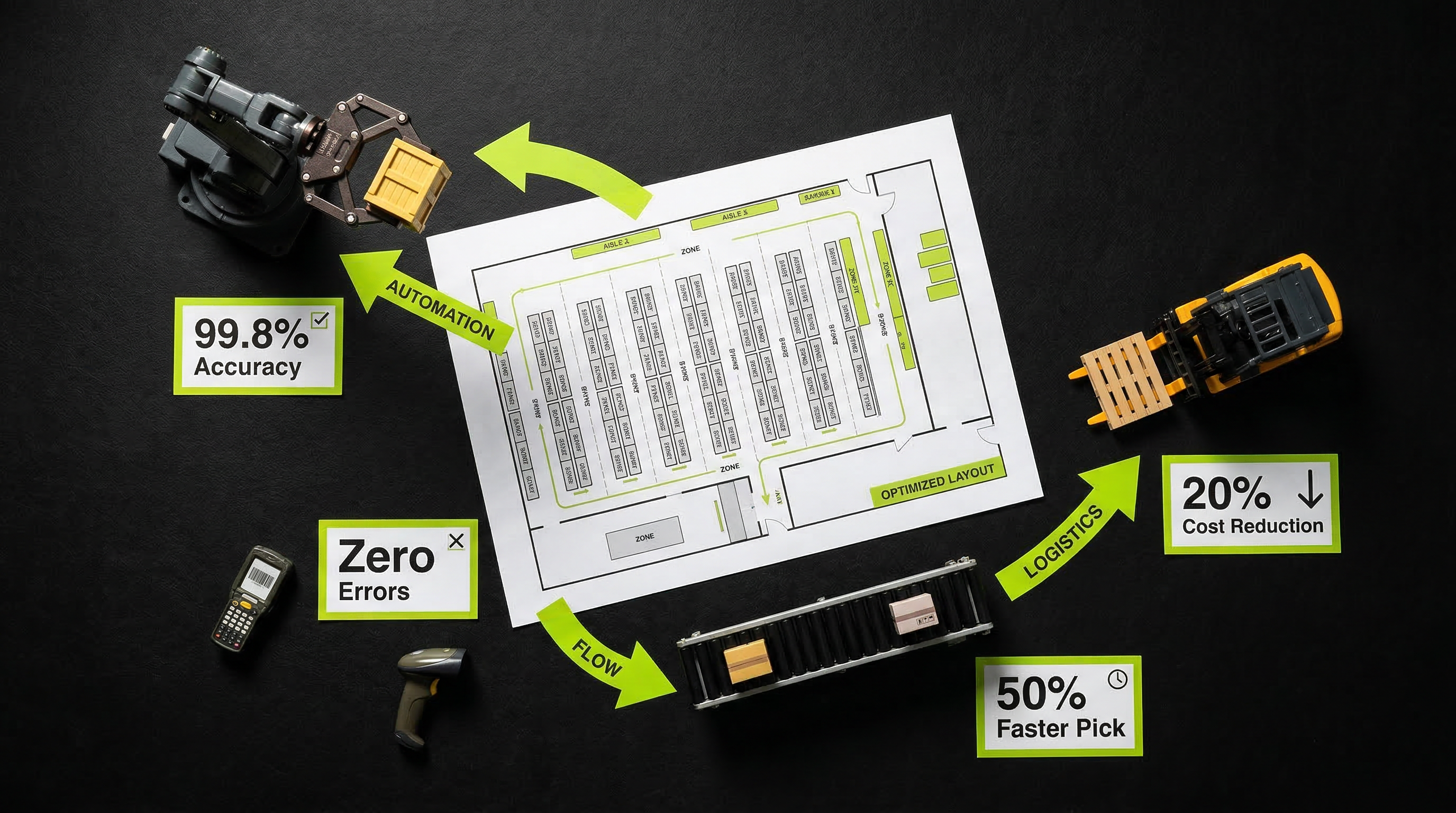
Warehouse robots still struggle with transparent, reflective, and irregularly shaped items because standard LiDAR and camera systems can't resolve edges and depth accurately enough. Sonair's ultrasound-based 3D sensor gives robots millimeter-level depth perception across these failure modes, directly attacking the bin-picking scenarios that drive most manual intervention in automated fulfillment. If validated at production throughput rates, this closes one of the last technical gaps keeping pick-and-place cells from running lights-out.
 brand awareness
How New Vision AI Tech is Transforming Robotic Defect Detection
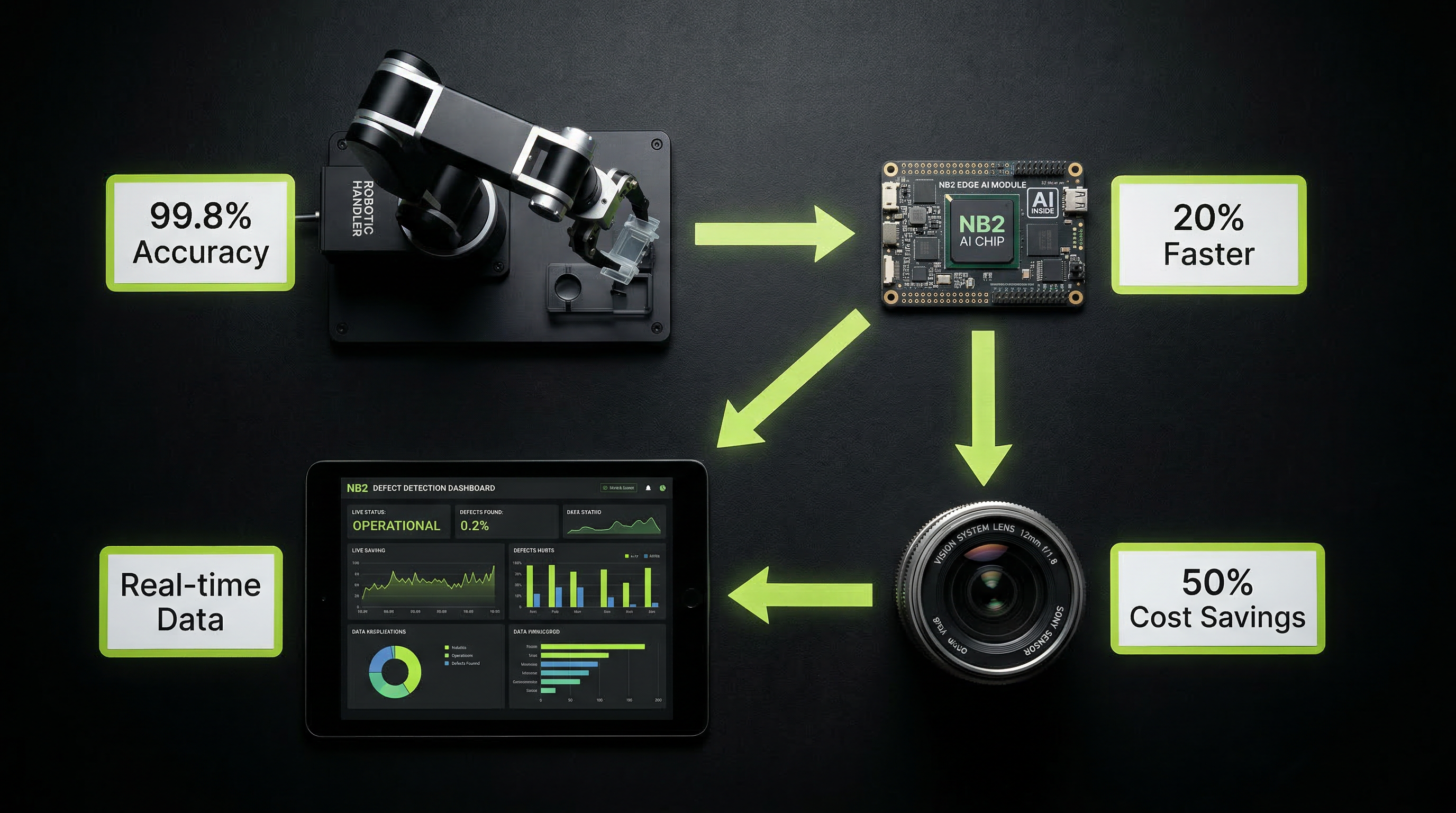
Most warehouse robots still fail on transparent, reflective, or dark surfaces because standard LiDAR and cameras can't resolve depth accurately in those conditions — Sonair's ultrasonic depth-sensing technology solves this by using sound waves instead of light, giving robots reliable 3D perception regardless of surface material or ambient lighting. For any 3PL running mixed-SKU operations with poly-wrapped pallets, glossy packaging, or variable lighting across shifts, this is the kind of sensor-level fix that directly reduces pick errors and unplanned stops.
 brand awareness
The Hidden Costs of Manual Yard Operations and How AI Can Unlock Efficiency
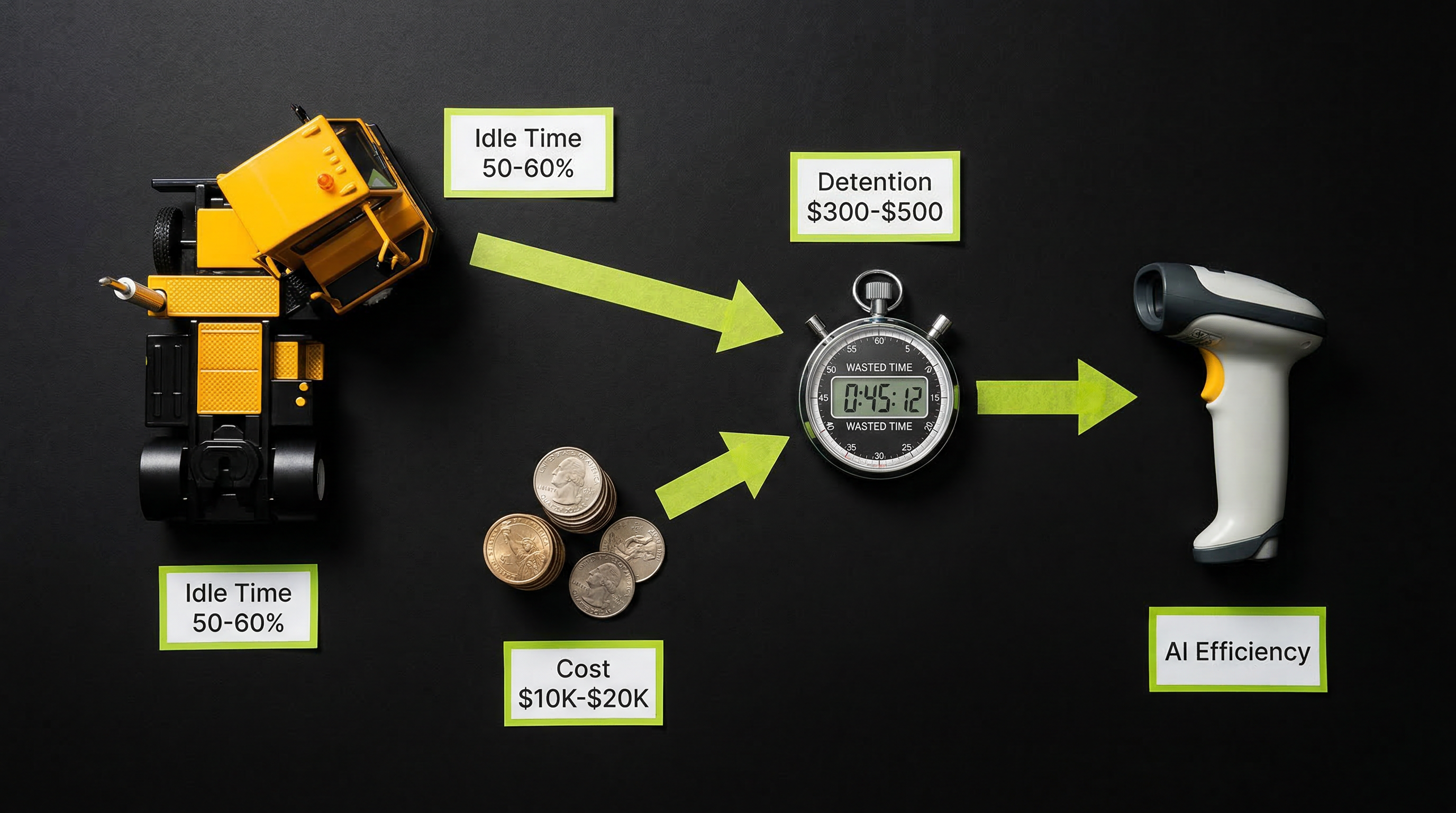
Yard operations — trailer spotting, hitching, and dock management — remain one of the most labor-intensive and error-prone bottlenecks in warehouse logistics. Outrider's autonomous yard trucks tackle this by integrating directly with WMS and TMS systems to automate repetitive yard moves, reducing reliance on manual drivers in a role with chronic labor shortages and high turnover. For operations running 24/7 across multiple docks, even a modest reduction in mis-spots and dwell time translates to hundreds of thousands in annual savings.
 brand awareness
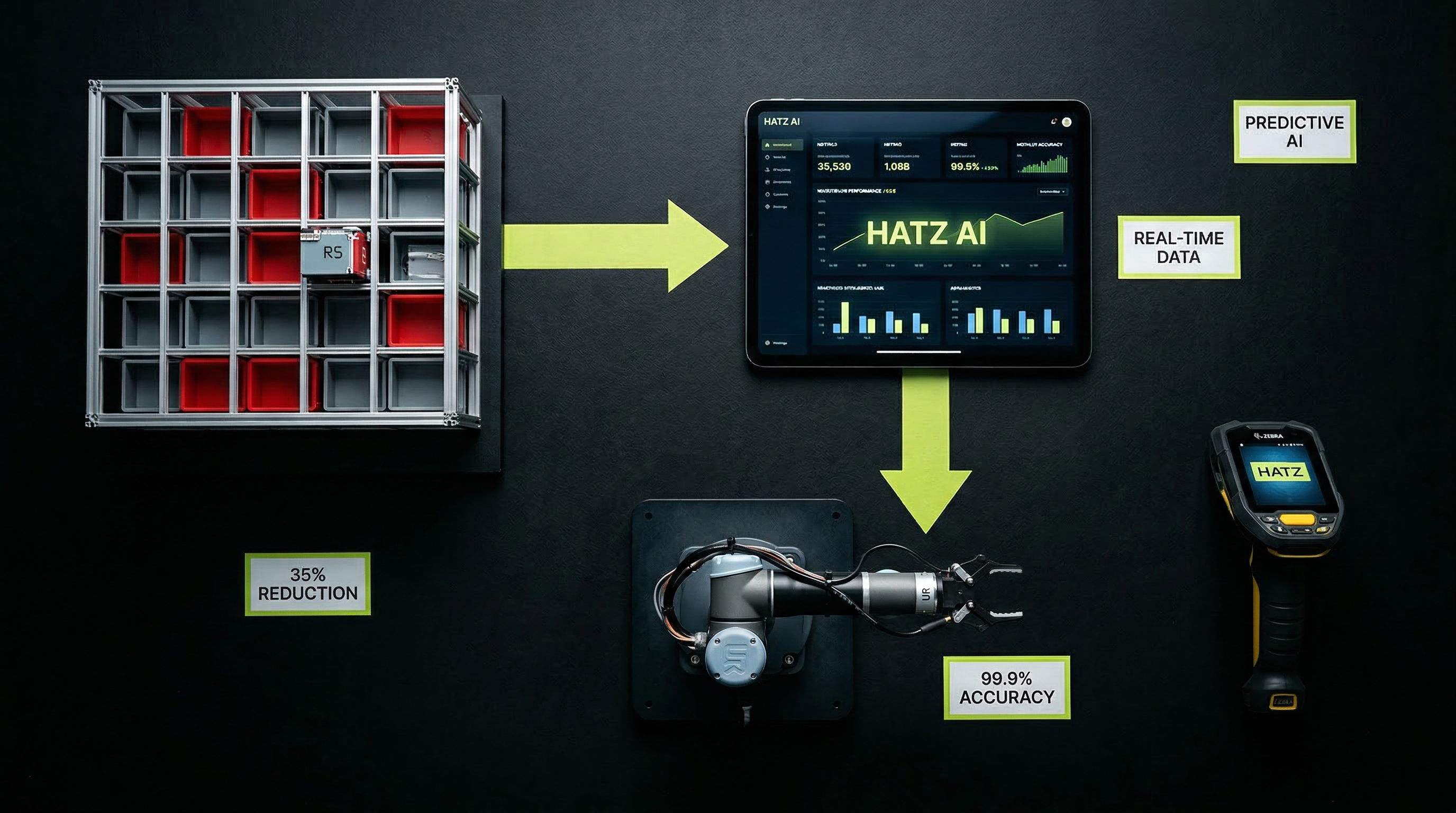
Why AutoStore Needs Hatz AI to Hit Peak Warehouse Performance
AutoStore's grid-based Pio system can recover up to 4x the storage density of conventional racking — meaning a warehouse like Relay Distro stores more SKUs in the same footprint without adding square footage. The trade-off every operations leader should evaluate: higher cube utilization per square foot vs. the capital cost of robotic infrastructure, with industry benchmarks showing 25-40% facility cost savings when the math works.
 brand awareness
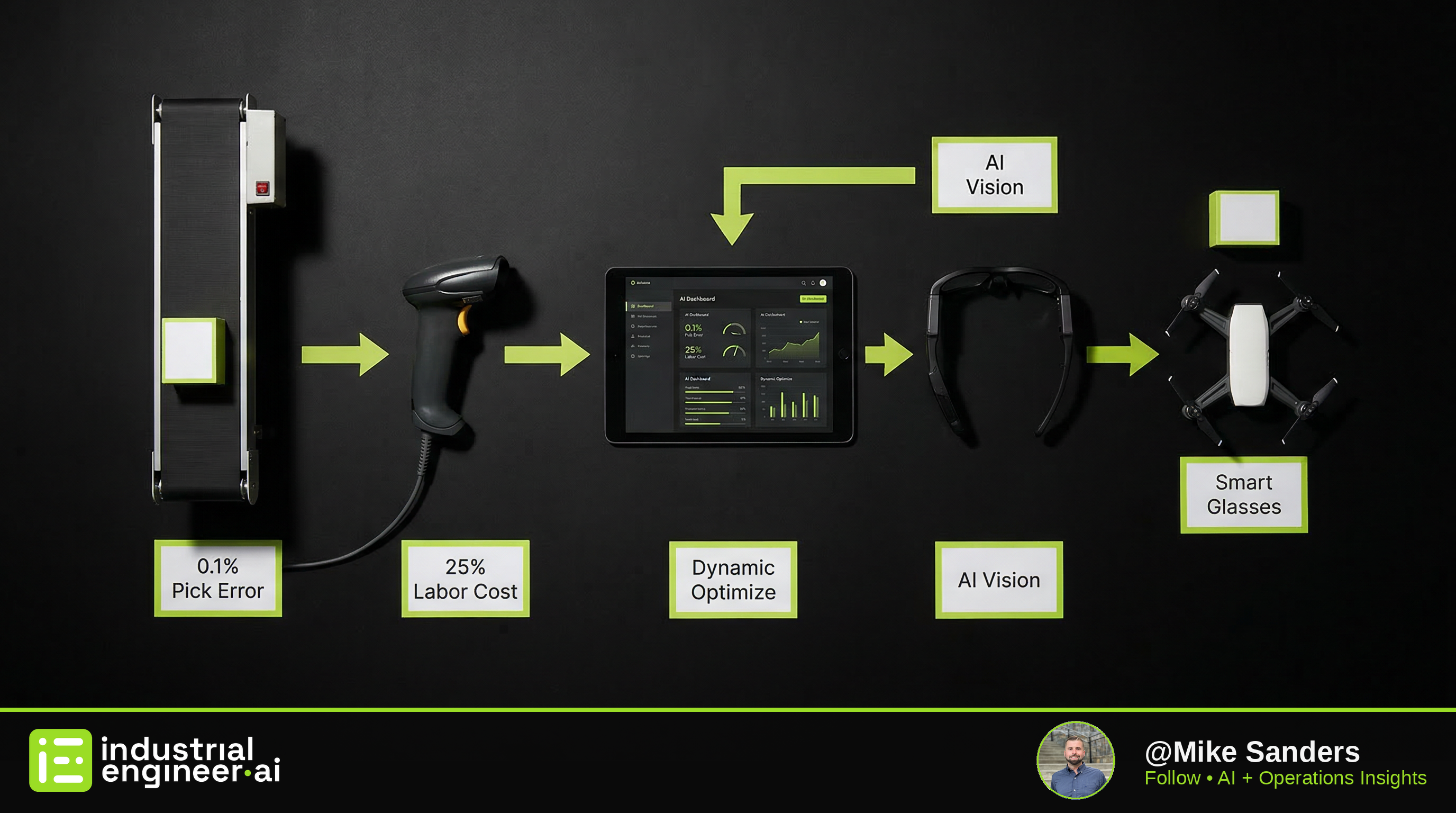
Beyond Fixed Automation: Building Adaptive AI Systems for Smarter Warehouses
Failed warehouse automation projects almost always trace back to one root cause: the people specifying the system never ran the operation. Adrian Stoch's move from end-user warehouse leadership to CEO of Hai Robotics Americas reflects a broader industry correction — vendors are hiring operators, not just engineers, because automation that ignores pick-path realities, labor variability, and seasonal surge patterns burns 20-30% of project budgets in rework and re-integration.
 brand awareness
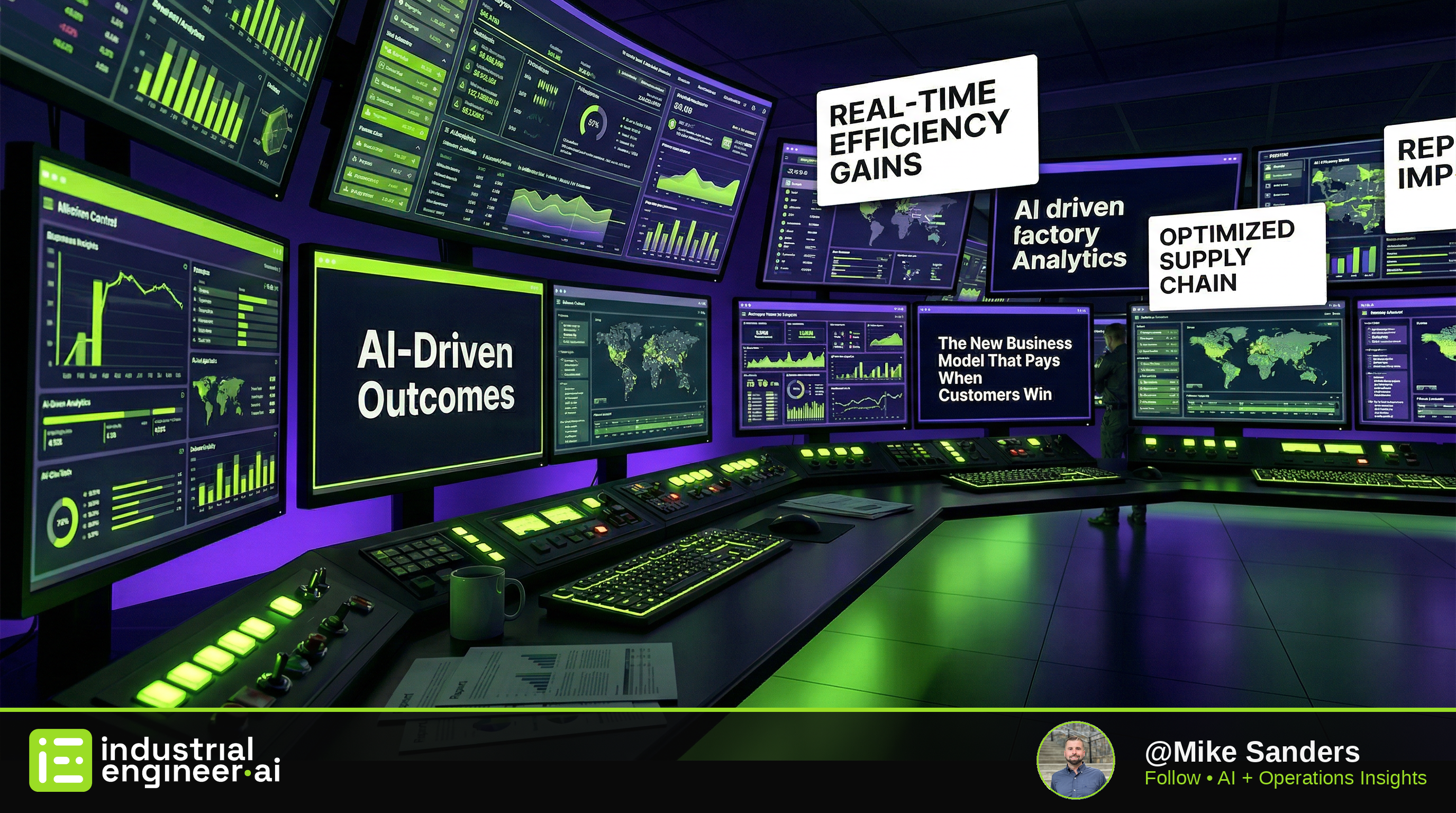
AI-Driven Outcomes: The New Business Model That Pays When Customers Win
Pay-for-performance models — where suppliers only get paid when customers achieve measurable results — can actually reduce supplier risk by aligning incentives with customer success, not just delivery. Pine argues the real shift is that customers don't want better products or experiences; they want to become better themselves, and AI-enabled mass personalization is what makes it operationally feasible to guide each customer toward individual transformation at scale.
The Question Everyone Asks
Why Not Just ChatGPT?
Great question. Here's the honest answer.
ChatGPT Is Great For...
- ✓Answering one-off questions
- ✓Drafting emails and documents
- ✓Brainstorming ideas
- ✓Summarizing articles
- ✓General-purpose chat
We Do What ChatGPT Can't
- 🔗Connect to your actual systems — QuickBooks, your ERP, your inbox
- ⏰Run automatically on a schedule — no one has to prompt it
- ✅Take action — send emails, update records, flag exceptions
- 🏢Know your business — trained on your SOPs, your products, your customers
- 🛠️IT-team friendly — we handle the AI layer, they own the infrastructure
For IT Teams
IT Teams Actually Love Working With Us
We're not a shadow IT project. We're your AI engineering extension — the specialists your team calls when the business wants AI and IT has a full sprint queue. We document everything, work within your security policies, and hand off clean integrations your team can own. We make IT look good. That's the whole point.
For Engineering & IT Teams
We're Your AI Engineering Extension.
IT teams don't lose control when they work with us. They gain a specialist team that handles the AI layer — fully documented, security-reviewed, and handed off clean.
Security-First Integration
We provide a pre-written security brief, work within your existing API policies, and never touch production without sign-off. Most IT teams approve same-day.
Full Documentation Handoff
Every integration ships with architecture diagrams, API docs, and runbooks. Your team owns it the moment we hand it off. No black boxes.
We Take AI Off Your Sprint Queue
The business wants AI. Your team has a full backlog. We step in as the AI specialists so IT stays focused on infrastructure and core systems.
What IT Teams Say
"They came in, connected to our WMS API, documented everything, and handed it back to us. Our team didn't have to babysit it. That's rare."
— IT Director, Mid-Market Distributor